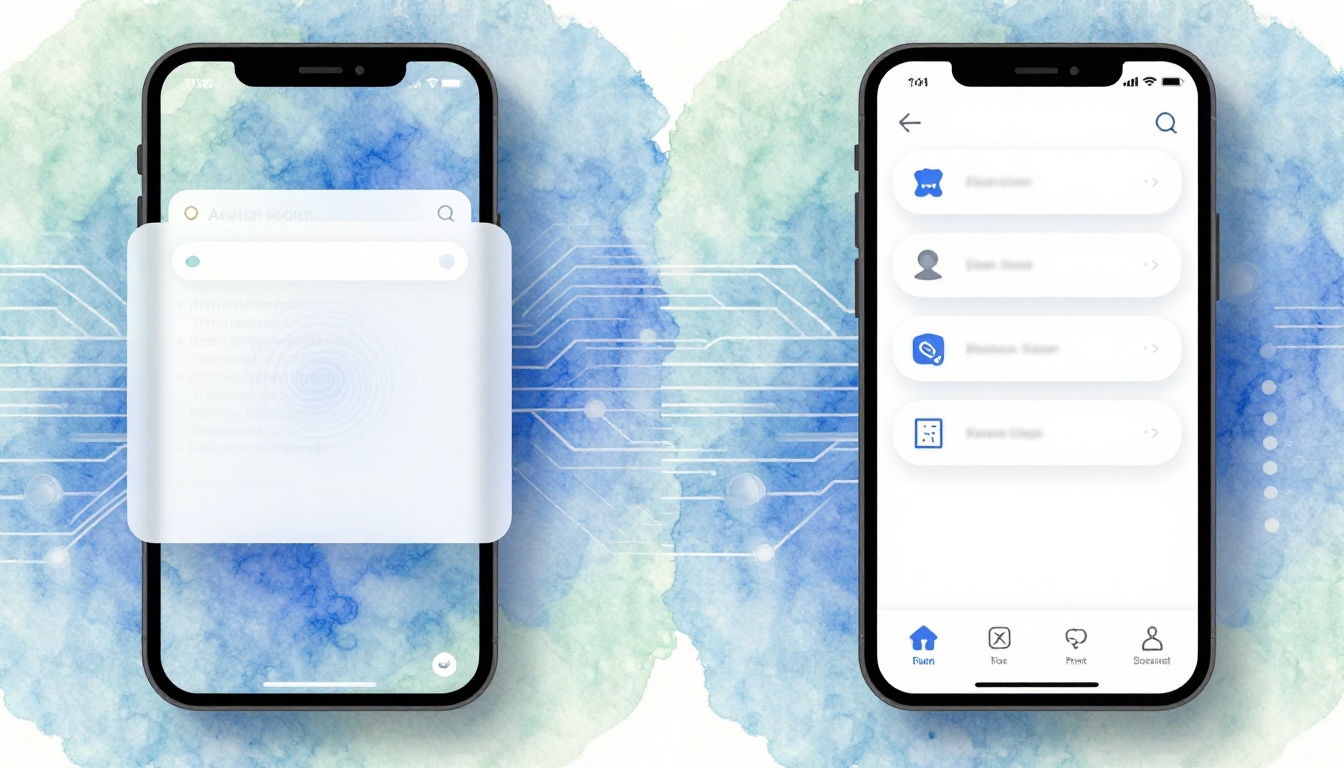
Picture this. You swipe through a shopping app. It stutters. Pages load slow. Frustration builds fast. Now switch to your banking app. Touches respond instantly. It feels like part of your phone.
Those tiny delays matter. They push users away. Businesses lose sales. WebView embeds website code in apps. Native UI uses phone-specific tools for smooth experiences. We’ll explore the science behind their performance gaps. You’ll see why feel drives loyalty.
First, let’s unpack WebView and its appeal.
Unpacking WebView: The Fast Path to Cross-Platform Apps
WebView acts like a mini-browser inside your mobile app. Developers drop in HTML, CSS, and JavaScript code. It works on iOS and Android without changes.
This setup cuts build time. You update content from a server. No app store reviews needed. Costs drop because one codebase serves both platforms. Startups love it for quick launches.
On iOS, WKWebView handles the heavy lifting. Android uses its WebView component. Think of it as framing a webpage in a picture app. The frame fits anywhere. Web devs jump in easily. They reuse skills from sites.
However, limits show up later. We’ll cover those soon.
How WebView Bridges Web Code to Your Phone’s Screen
Web content loads in a safe sandbox. JavaScript talks to native features through bridges. HTML parses first. CSS styles follow. Pixels hit the screen last.
The GPU helps render. But translation layers add overhead. Web code interprets on the fly. Native skips that step.
For example, a login form pulls user data fast. Product catalogs display images smoothly at first. Web teams build these without learning new languages.
In short, WebView eases the shift from web to apps. It keeps things simple.
Real Apps Thriving on WebView Today
Many apps mix WebView smartly. Older Instagram features used it for feeds. Alibaba shoppers browse catalogs this way. Company tools often embed dashboards.
Frameworks like Cordova or Ionic rely on it. React Native wraps WebView too. During Black Friday, updates roll out instantly. No waiting for approvals.
Startups save big. They launch MVPs cheap. One team handles all platforms. Users get fresh content daily.
Still, heavy use reveals cracks. Performance dips on complex screens.
Native UI: Why Platform-Tailored Builds Deliver Phone Perfection
Native UI builds with phone tools. iOS uses SwiftUI. Android picks Jetpack Compose. Code talks straight to the OS.
Speed surges because no middleman exists. Animations flow at 120Hz on new devices. Cameras and sensors integrate perfectly.
Imagine a custom house versus a prefab kit. Native fits every curve of the phone. Gestures match exactly. Themes switch with system settings.
Developers gain top control. Apps feel built-in from the start.
Core Building Blocks of Native Interfaces
Views stack like Lego. Controllers manage logic. Layouts position elements. OS APIs render directly.
Code compiles to machine instructions. No runtime parsing slows it down. Scrolling accelerates via hardware.
New phones push 120 frames per second. Native hits that goal. Touches trigger instant updates.
Users sense the difference right away. Apps blend with the OS.
Performance Science: Where Native Pulls Ahead in Speed and Efficiency
Benchmarks prove it. Native apps load faster. They use less power. Tools like Lighthouse measure this on web views. Android Profiler spots issues in apps.
Aim for 60 frames per second. WebView hits garbage collection pauses. Reflows cause jank. Native avoids most hiccups.
Battery tests favor native. Idle drain drops 30 percent. Active use saves more. Graphs show clear wins.
Developers use these facts to pick wisely.
Key Metrics: Load Speeds, Smooth Scrolling, and Animation Power
Native loads hit under two seconds. WebView takes four or more on busy pages. Scrolling hardware-accelerates in native. WebView falls back to software sometimes.
Animations shine too. iOS Core Animation layers smoothly. CSS transitions lag in WebView.
Recent app store data from 2025 shows native averages 25 percent quicker. Users drop off less. They stick around longer.
For instance, maps zoom fluidly native-style. Web versions stutter on zooms.
Hidden Costs: Memory Leaks, Battery Life, and Overheating Risks
WebView’s JavaScript engine eats RAM. Expect 200MB plus versus native’s 50MB. Leaks build over time.
Long sessions throttle heat. Phones slow to cool down. Native stays efficient. Fewer layers waste less.
Studies note 20 to 40 percent better battery in native games. Maps run cooler too. Optimize hybrids, but pure native wins here.
The Magic of ‘Feel’: How Responsiveness Wins User Loyalty
Feel goes beyond speed. Input lag matters. Native clocks 50 milliseconds. WebView exceeds 100. Fitts Law says delays frustrate.
Haptics buzz right on time. Gestures like swipes feel perfect. Brains love instant feedback. Dopamine kicks in.
Stats back it. Smooth apps boost daily use 25 percent. Retention climbs. TikTok nails this native.
Users return because it delights.
Touch and Gesture Mastery: Instant Feedback That Feels Right
Native loops touch to render in 16 milliseconds. WebView bridges add delay. Swipes pull lists instantly. Pinches zoom crisp.
Haptics sync with actions. A Nielsen study found users prefer this 80 percent more. Spot lag in your apps now.
It builds subconscious trust.
Emotional Pull: Building Trust and Habit with Superior Sensation
Fluid UIs cut mental effort. Satisfaction scores rise. A/B tests show 15 percent higher engagement native.
No dark patterns sneak in. Users habit-form faster. Feel beats raw speed alone.
Apps become daily must-haves.
Native wins on performance and feel because it ties direct to hardware. WebView excels for quick cross-platform starts. Weigh your project’s needs. Prototypes suit WebView. Flagships demand native.
Share your app stories below. Test benchmarks yourself. Pick what fits, and watch users stay loyal. Your revenue follows.